MARPY
 O
O✓ Enlaces verificados Oct 9, 2026
Regístrate para instalarAcerca de este programa
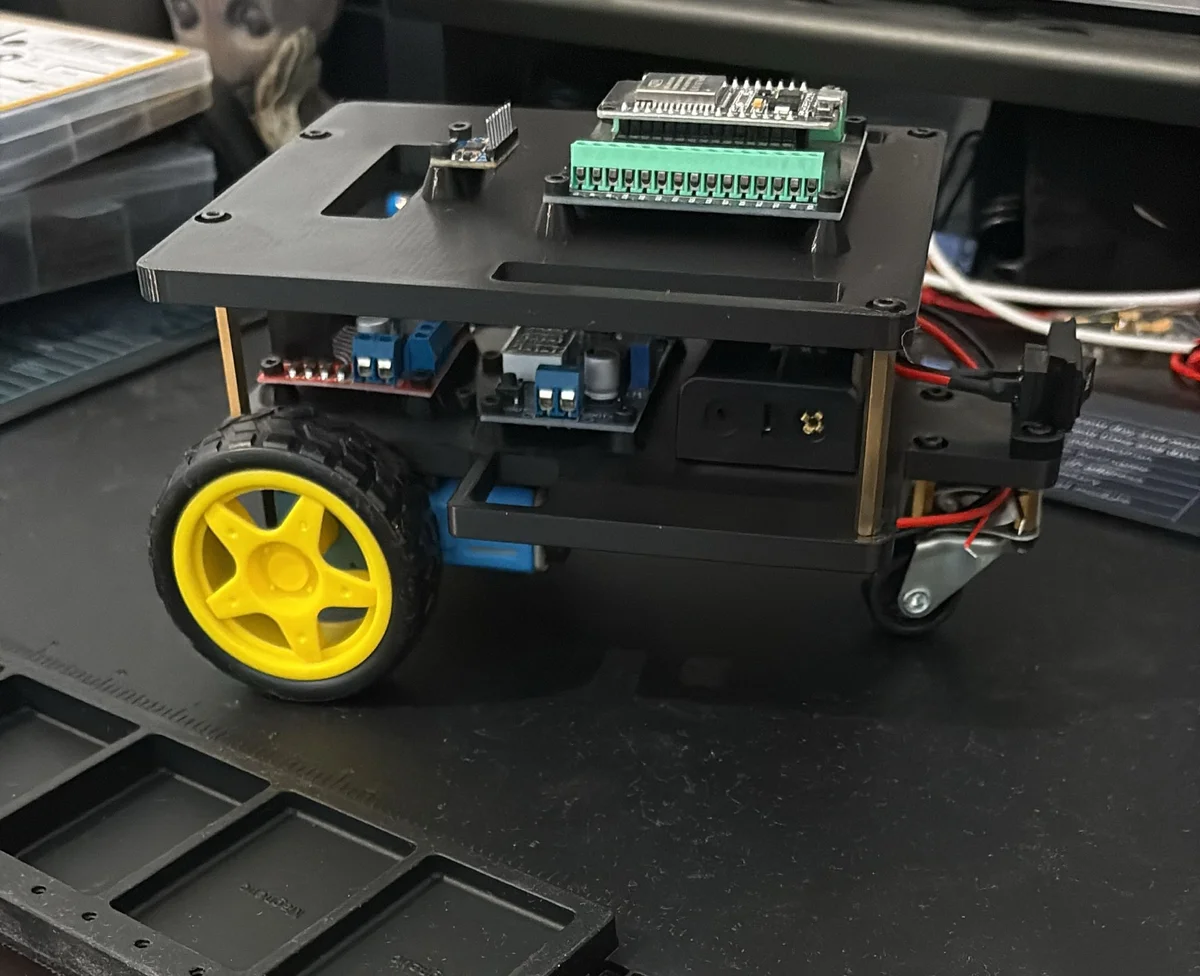
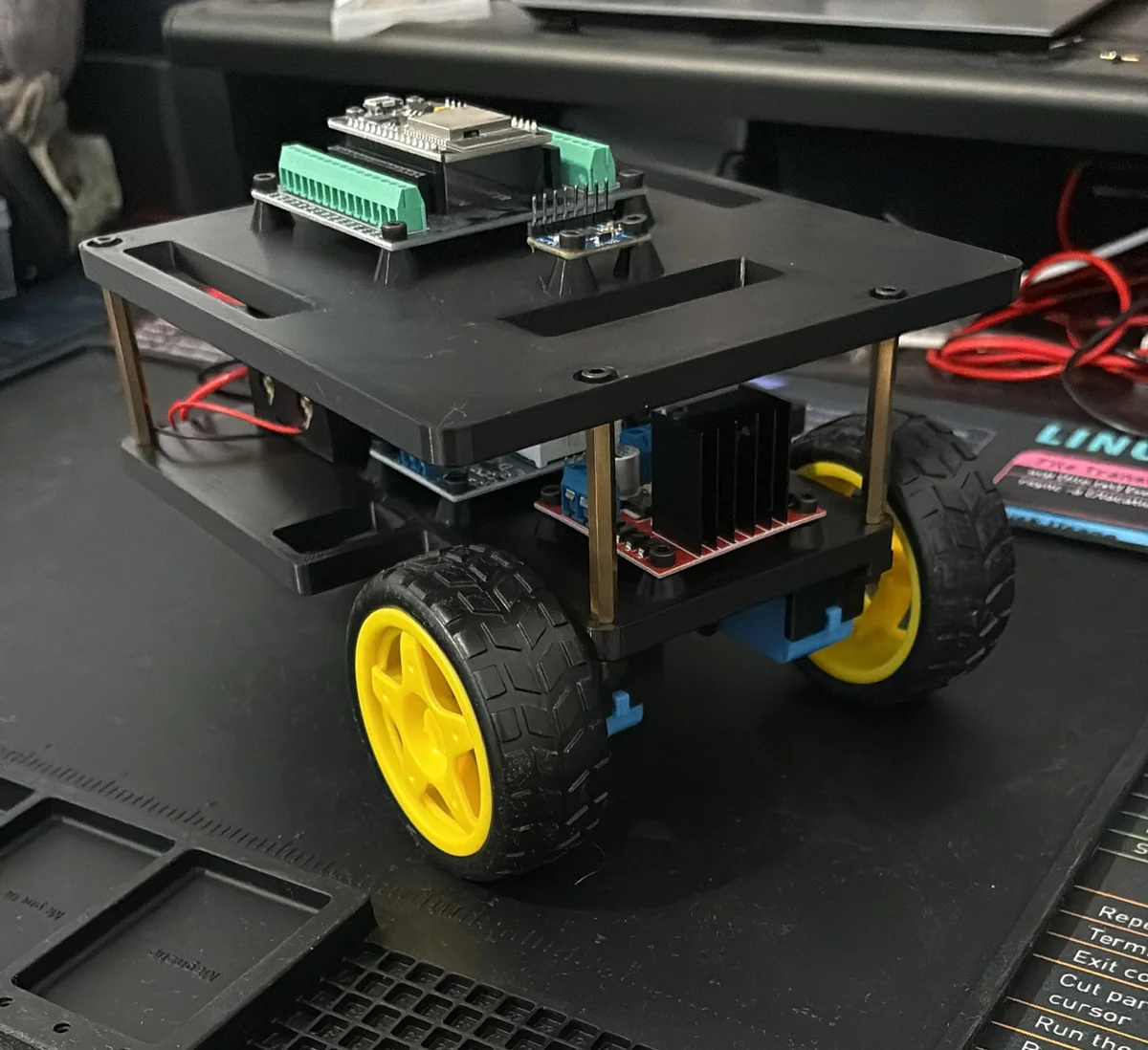
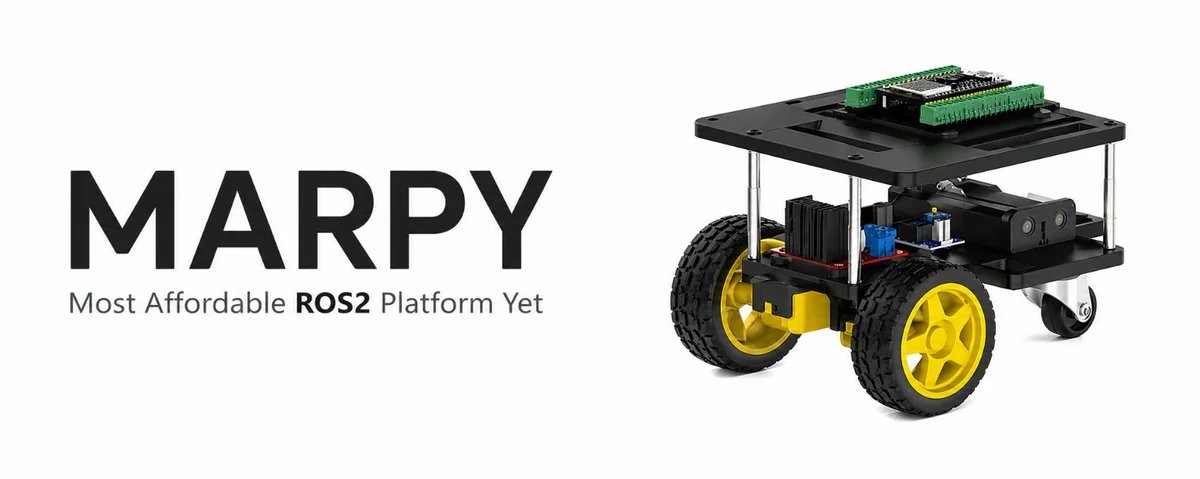
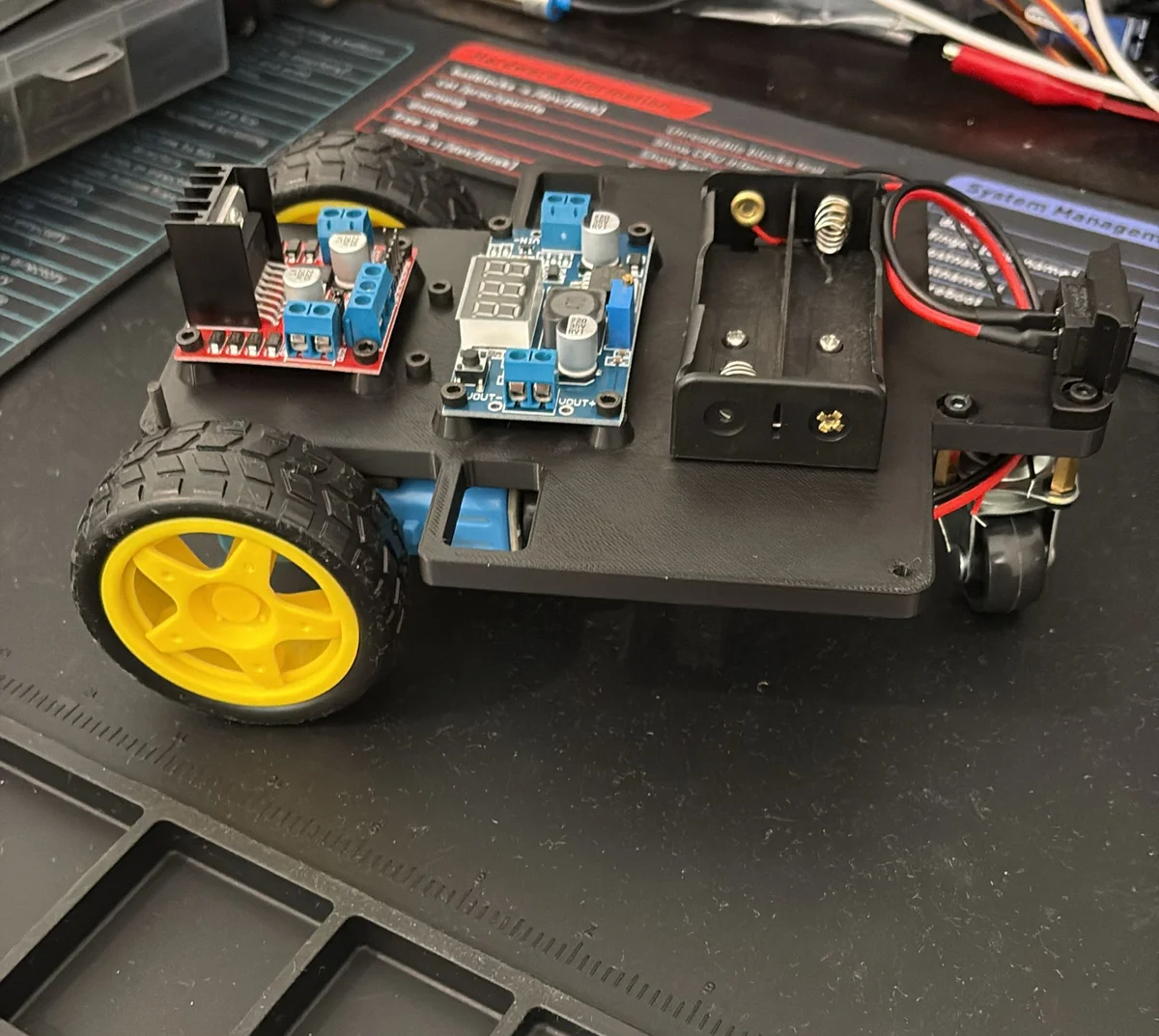
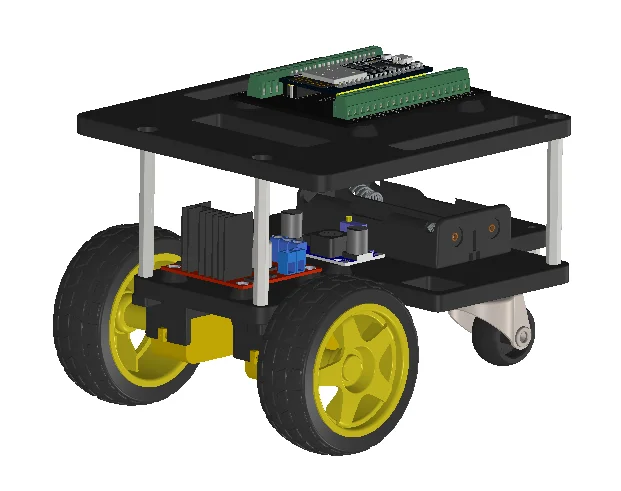
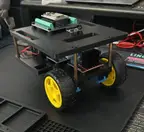
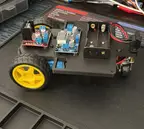
MARPY — Most Affordable ROS2 Platform Yet — is a cheap, fully open-source, 3D-printed differential-drive robot built for beginners who want to learn ROS2 with real hardware for under $50.
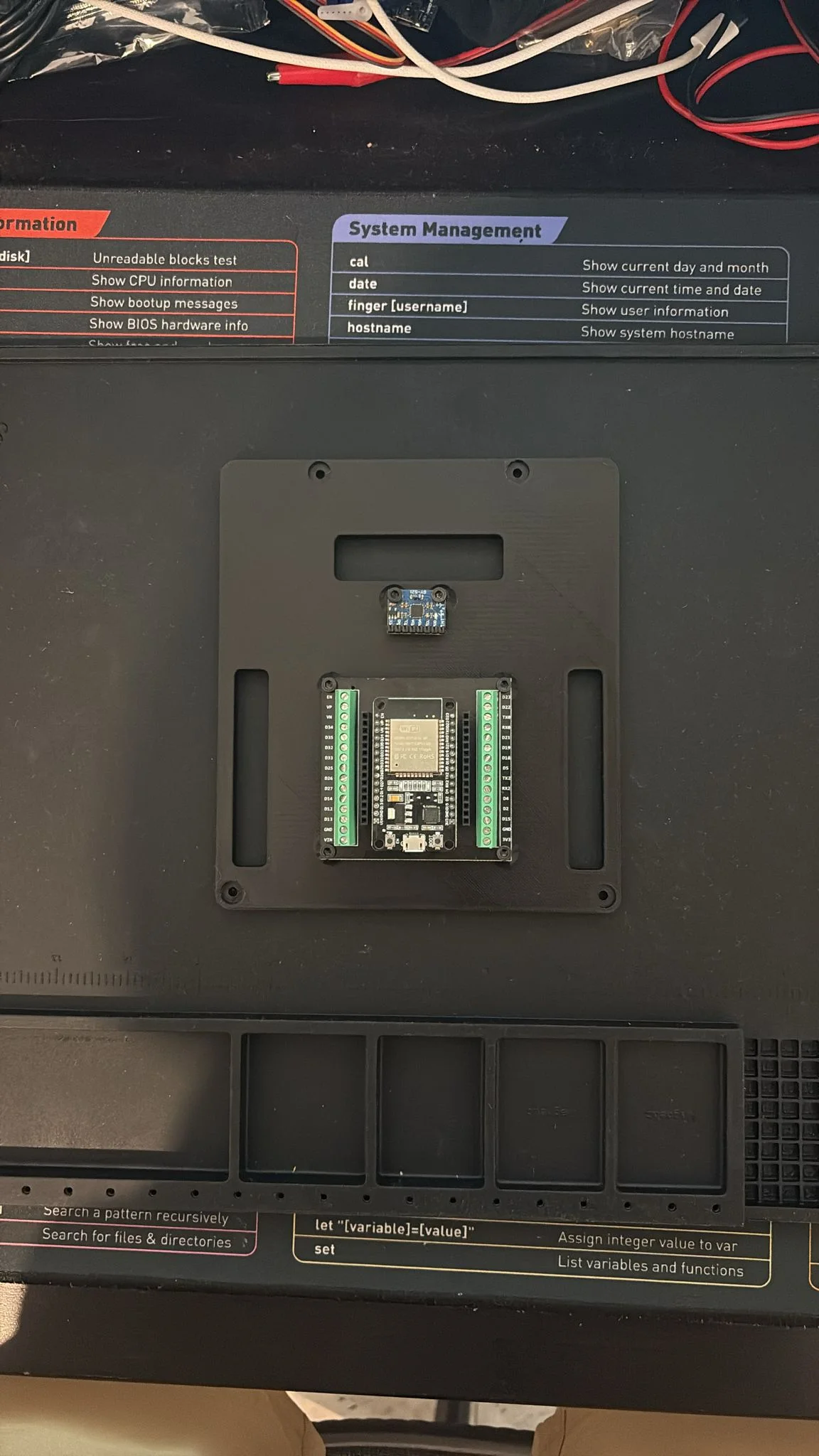
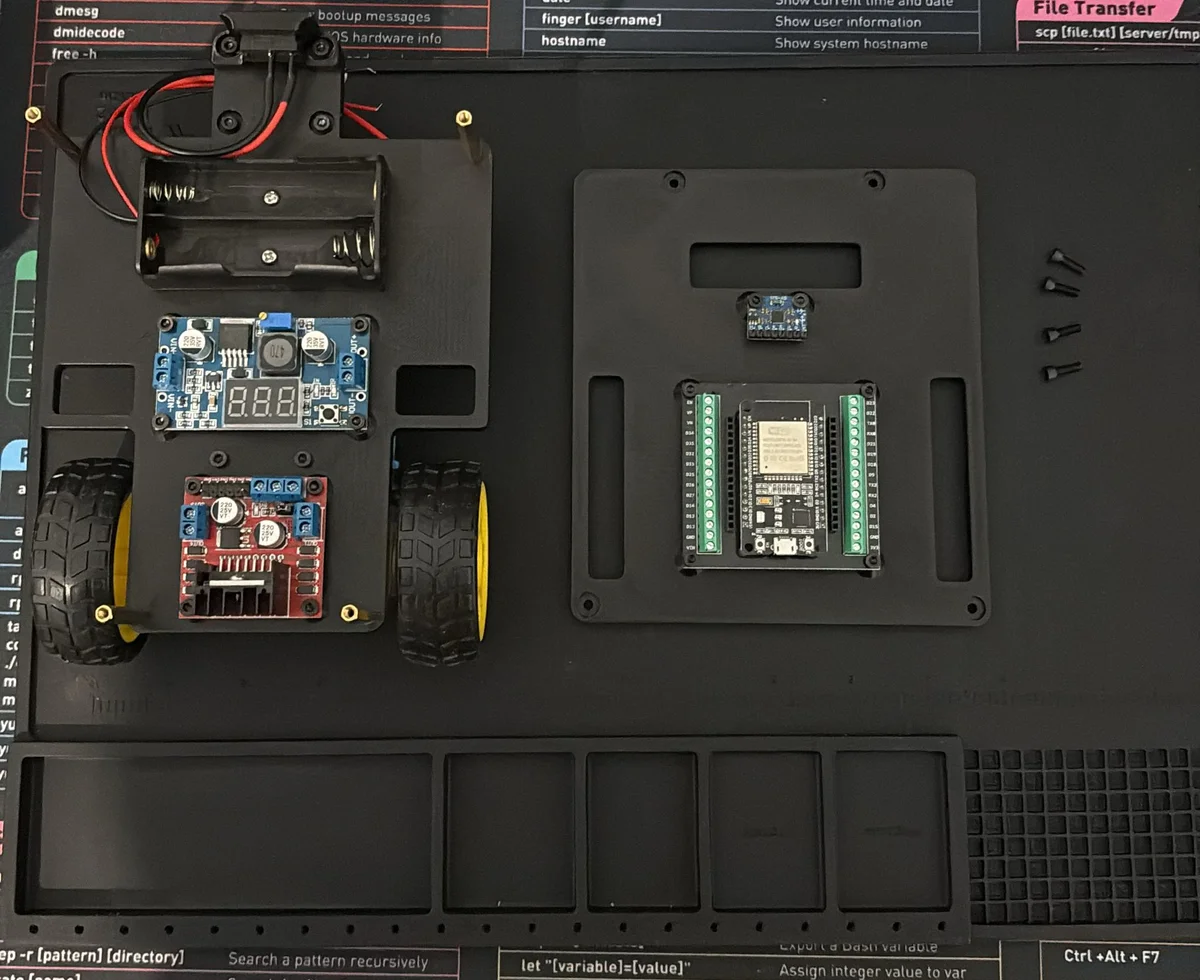
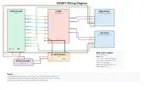
Two TT gear motors with quadrature encoders drive the wheels, an ESP32 running micro-ROS talks to your PC over WiFi, and an MPU6050 IMU provides orientation. An optional ESP32-CAM streams video that a ROS2 bridge republishes as sensor_msgs/Image. The whole chassis prints on any FDM printer and bolts together with a handful of M3 screws.
What you get
- Differential drive with wheel-encoder odometry and a caster for balance
- micro-ROS on ESP32 — real
cmd_velteleop, no Raspberry Pi required - Full URDF model + Gazebo simulation so you can drive it with zero hardware
- Optional camera streaming for a first taste of robot vision
Specs
| Drive | Differential (2 × TT encoder motors) |
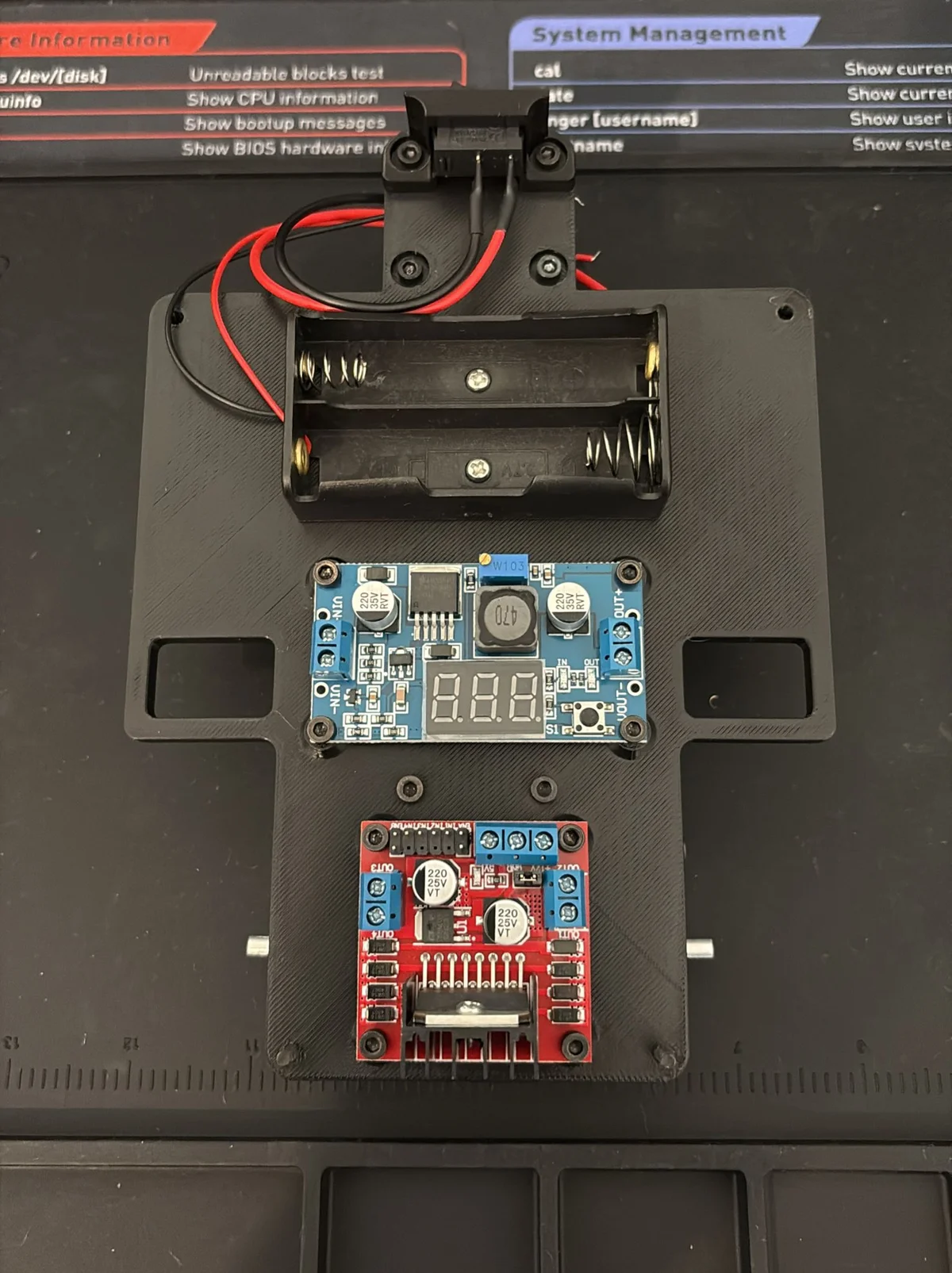
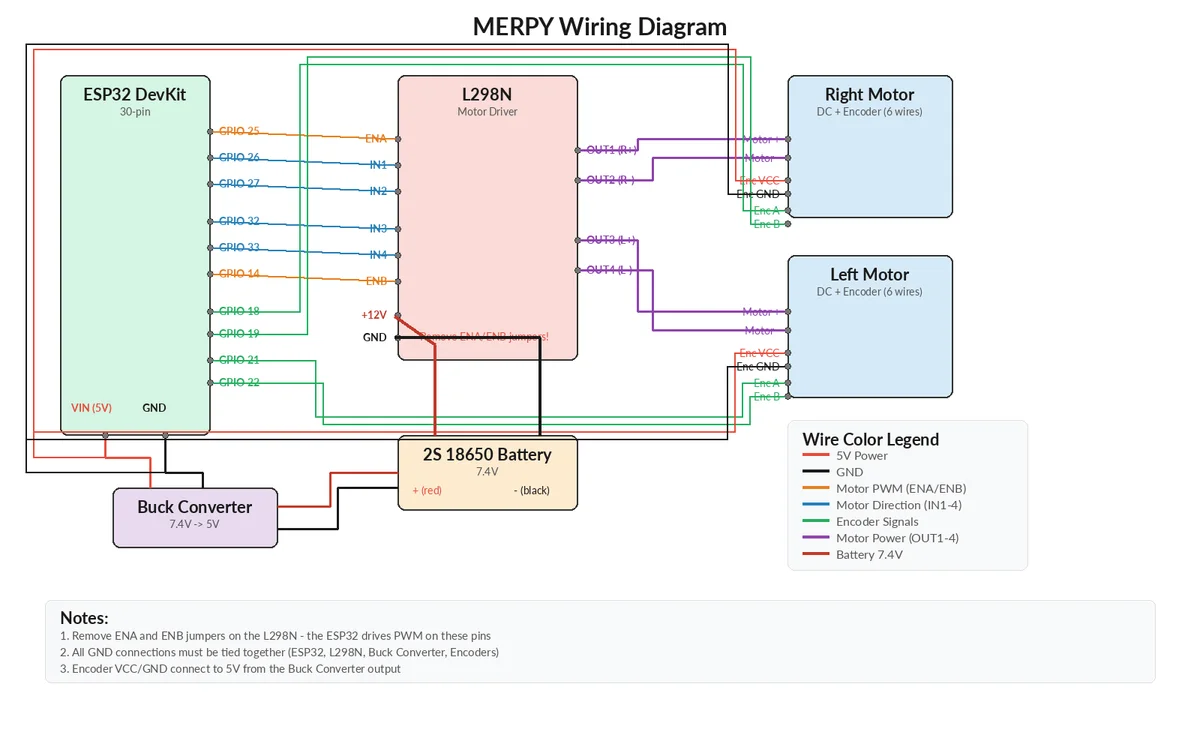
| Controller | ESP32 DevKit V1 + L298N motor driver |
| Firmware | micro-ROS (PlatformIO) — BYOD |
| Software | ROS2 Jazzy on Ubuntu 24.04 (Docker supported) |
| Sensors | MPU6050 IMU, wheel encoders, optional ESP32-CAM |
| Wheels | 65 mm, 116 mm track |
| Cost | ~$40–55 |
| Skill level | Beginner |
Build it
Follow the guides in the source repo, in order: BOM → Assembly → Wiring → ESP32 firmware → ROS2 setup → Simulation.
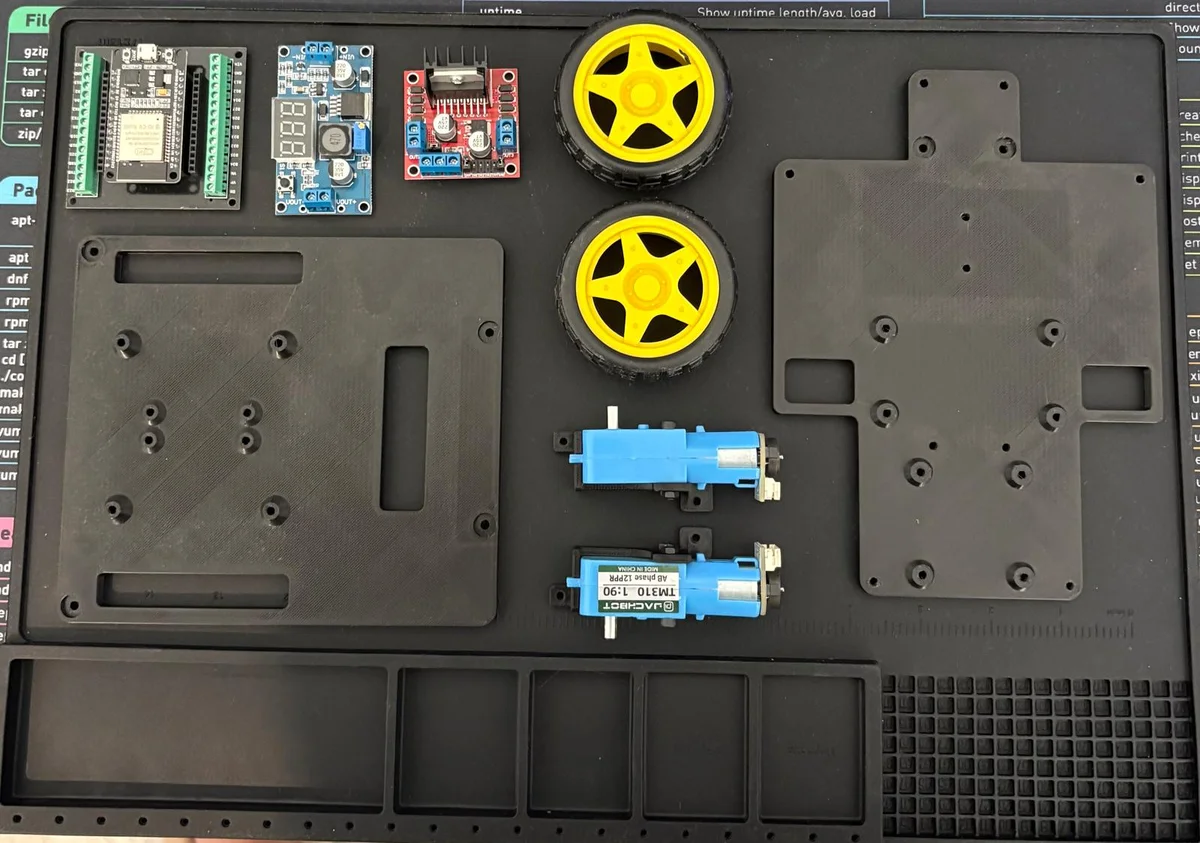
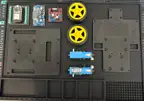
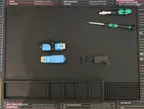
Printable parts: four parts are attached to this program, derived from the repo's MIT-licensed URDF geometry — the two structural decks (Marpy_base_plate.STL, Marpy_top_plate.STL) and the left/right Marpy_*_TT_motor_mount.STL brackets. They come from the assembly mesh, so drop them in your slicer and sanity-check the mounting-hole fit before a full print. The remaining printed parts (on/off switch mount, camera mount, ESP32-CAM case) and the authoritative print profile are on the project's MakerWorld page (CC BY-NC-SA — for personal printing).
Source: github.com/LevinTamir/MARPY · Firmware: marpy_firmware · marpy_cam_firmware Creator: Tamir Levin · License: MIT
🖨 Archivos de impresión (4)
Marpy_base_plate.STL
Marpy_top_plate.STL
Marpy_left_TT_motor_mount.STL
Marpy_right_TT_motor_mount.STL
Hardware requerido
Electronics
| # | Component | Qty | Est. Price |
|---|---|---|---|
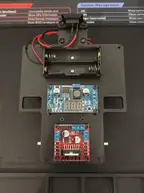
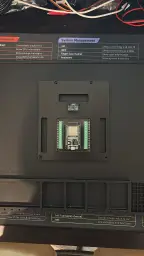
| 1 | ESP32 DevKit V1 (30-pin) with screw-terminal breakout | 1 | ~$10 |
| 2 | L298N dual H-bridge motor driver | 1 | ~$3 |
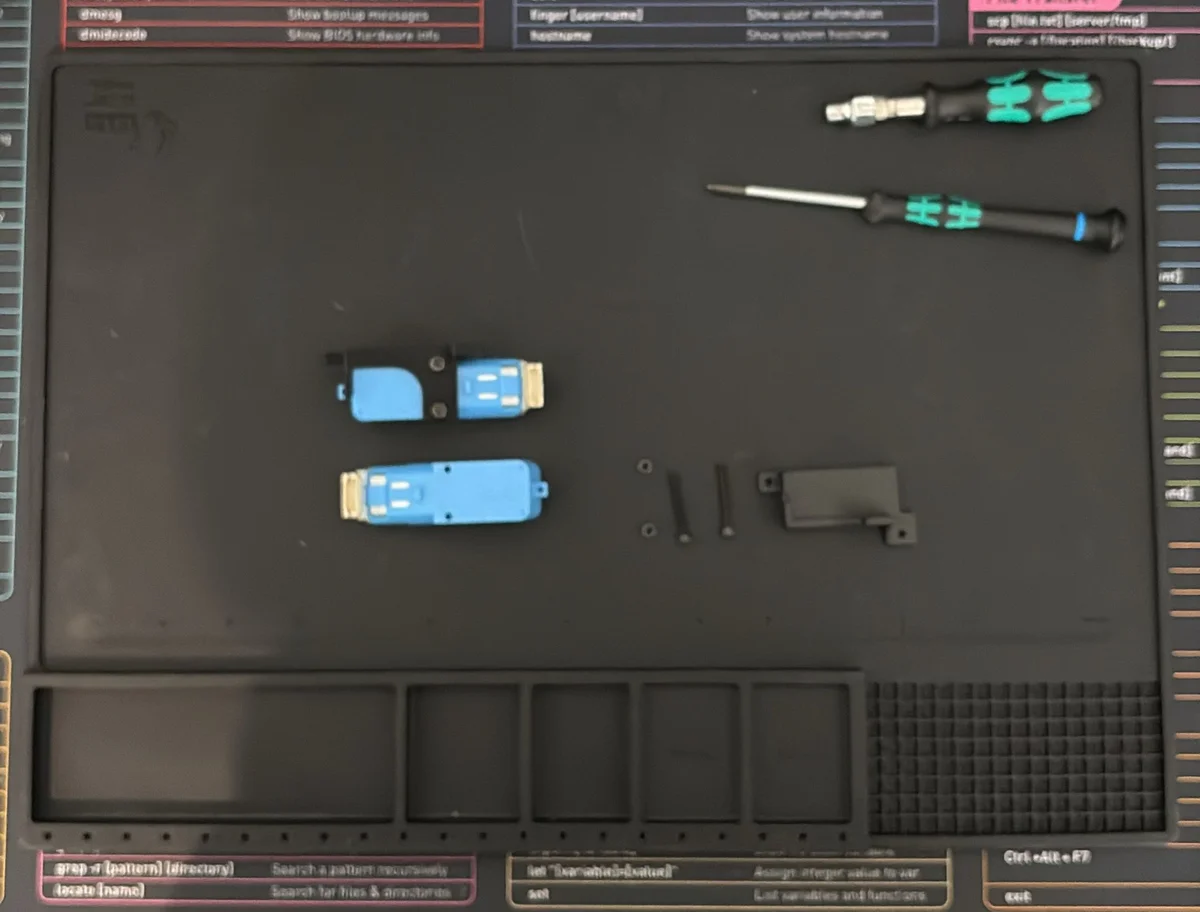
| 3 | TT encoder motor (6V DC gear motor + Hall encoder) | 2 | ~$12 |
| 4 | 65 mm TT motor wheels | 2 | ~$3 |
| 5 | Low-profile plastic caster wheel (1") | 1 | ~$3 |
| 6 | 18650 Li-Ion battery (3.7V, 2600 mAh+) | 2 | ~$5 |
| 7 | 2S 18650 battery holder with switch | 1 | ~$3 |
| 8 | LM2596S adjustable DC-DC buck converter | 1 | ~$2 |
| 9 | MPU6050 IMU (6-axis) | 1 | ~$2 |
| 10 | Jumper wires (kit) | 1 | ~$3 |
| 11 | Micro-USB cable (ESP32 flashing) | 1 | ~$2 |
| — | Optional: ESP32-CAM with OV2640 | 1 | ~$9 |
Fasteners
| Component | Qty |
Explorar robots similares