ExoMy
 O
OAbout this program
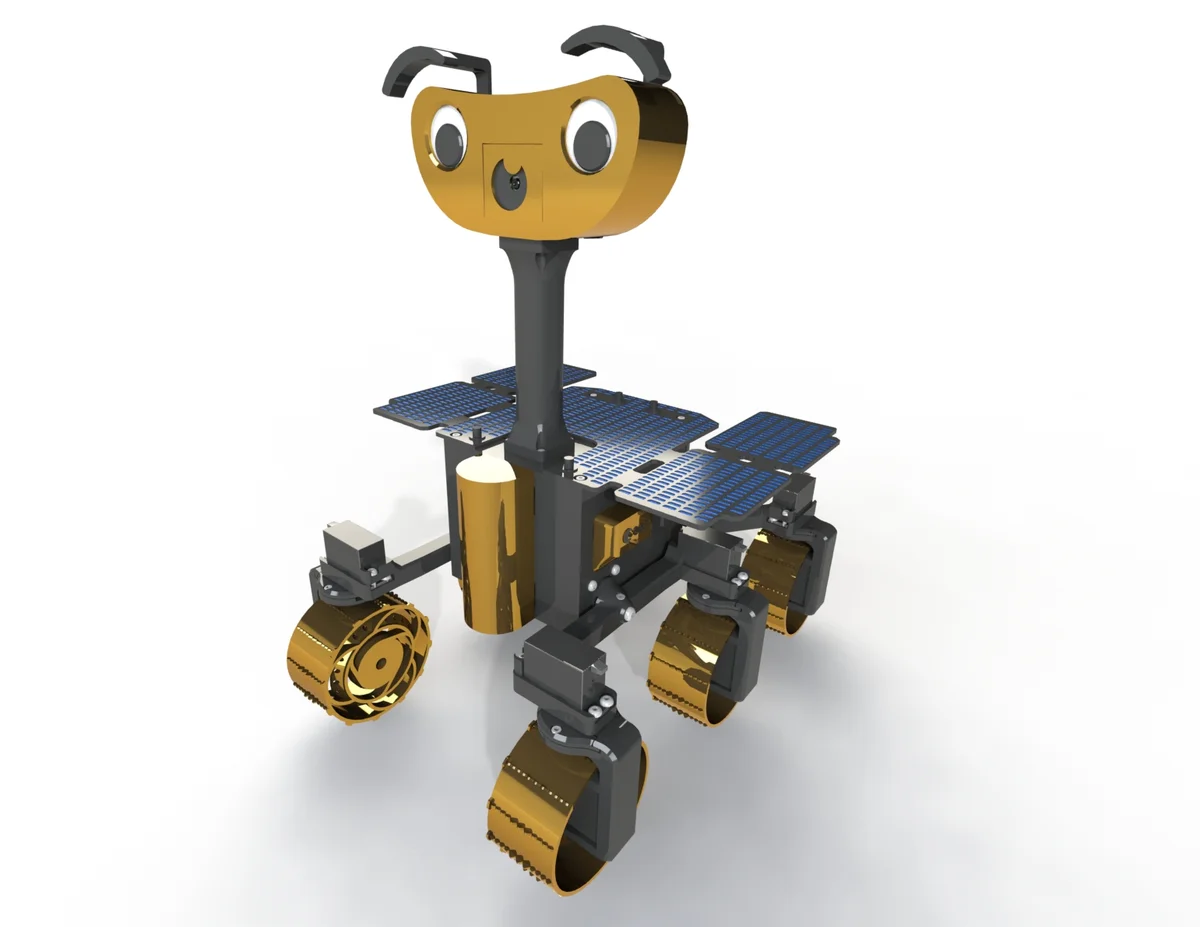
ExoMy is a low-cost, 3D-printed Mars rover replica developed by the European Space Agency's Planetary Robotics Laboratory. It reproduces the rocker-bogie suspension used by real Mars rovers (Sojourner, Spirit/Opportunity, Curiosity, Perseverance) at a build cost of roughly 500 EUR, using a Raspberry Pi 4 and hobby servos instead of flight hardware.
ExoMy drives on six independently steerable/driven wheels and supports three locomotion modes: Ackermann (car-like curves), Point/Spot Turn (rotate in place), and Crabbing (sideways translation without changing heading). Control is via a built-in web UI (WiFi, works from any browser) or a USB gamepad, with a live camera feed from the onboard Raspberry Pi Camera V2.
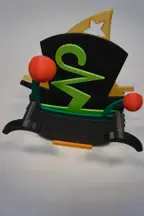
The rover's head has interchangeable 3D-printed hats, eyes and mouths for a bit of personality, and the whole build — chassis, bogies, wheels, head, and 20+ optional decorative parts — is documented with drawings, wiring diagrams, and a step-by-step assembly wiki.
Attribution
Design, hardware, software, documentation and photography by the ESA Planetary Robotics Laboratory (Maximilian Ehrhardt, Miro Voellmy, Lorenzo Cervantes and contributors). Licensed under GPL-3.0. Source: github.com/esa-prl/ExoMy (hardware/docs) and github.com/esa-prl/ExoMy_Software (control software). Docs site: esa-prl.github.io/ExoMy.
If you use ExoMy in an academic context, cite: M. Voellmy and M. Ehrhardt, "ExoMy: A Low Cost 3D Printed Rover," i-SAIRAS 2020.
Hardware
- Computer: Raspberry Pi 4 Model B + Adafruit 16-Channel PWM/Servo HAT (PCA9685)
- Actuators: 12x Parallax servos — 6 continuous-rotation drive servos (one per wheel) + 6 steering servos (rocker-bogie corner steering)
- Camera: Raspberry Pi Camera Module V2
- Power: 3S LiPo battery (11.1V, 3000mAh) through a step-down DC-DC converter, with a battery-voltage alarm
- Chassis: fully 3D-printed rocker-bogie frame, wheels, and head/body panels
This program is a learning-oriented control interface, not a port of ExoMy's full ROS-based software stack (locomotion kinematics, joystick mapping, web GUI). For the real flight software, see the ExoMy_Software repository — it runs in Docker on the Pi and implements the full Ackermann/point-turn/crabbing kinematics.
Photos
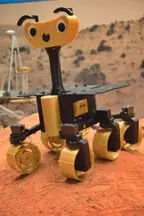
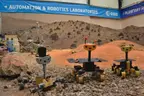
IRL build photos (ESA Planetary Robotics Laboratory, from the project wiki, used with attribution).
🖨 Print Files (15)
P01_Chassis_Default.STL
P19_Bogie_Side.STL
P30_Wheel_Default.STL
P28_Wheel_Bracket_Split_Left Wiring.STL
P29_Wheel_Bracket_Fixing_Plate_Default.STL
P11_Top_Default.STL
Required Hardware
| Item | Qty | Notes |
|---|---|---|
| Raspberry Pi 4 Model B | 1 | onboard computer |
| Adafruit 16-Channel PWM/Servo HAT (PCA9685) | 1 | drives all 12 servos |
| Raspberry Pi Camera Module V2 | 1 | onboard camera for web UI teleop |
| Parallax continuous-rotation servo | 6 | one per wheel, drive |
| Parallax servo (steering-modded) | 6 | rocker-bogie steering |
| Servo horn | 12 | |
| 3S LiPo battery, 11.1V 3000mAh (XT-60) | 1 | main power |
| DC-DC step-down converter (LM2596) | 2 | regulates battery to Pi/servo rail |
| Battery voltage alarm | 1 | LiPo safety |
| Toggle switch / rocker switch | 1 each | power switches |
| USB gamepad dongle (Logitech F710 recommended) | 1 | optional gamepad control |
| USB-C power cable | 1 | |
| 3D-printed chassis, bogies, wheels, head, wiring covers | ~30 parts | see STL files |
| M3/M4/M5 fasteners, brass inserts, standoffs, zip ties, heat shrink | assorted | see full purchasing BOM |
Full purchasing bill of materials (with vendor part numbers) ships in every GitHub Release as BoM/PI_ExoMy_Purchasing_BoM.xlsx.