 B
BAbout this program
Bambot — $300 Open-Source Humanoid
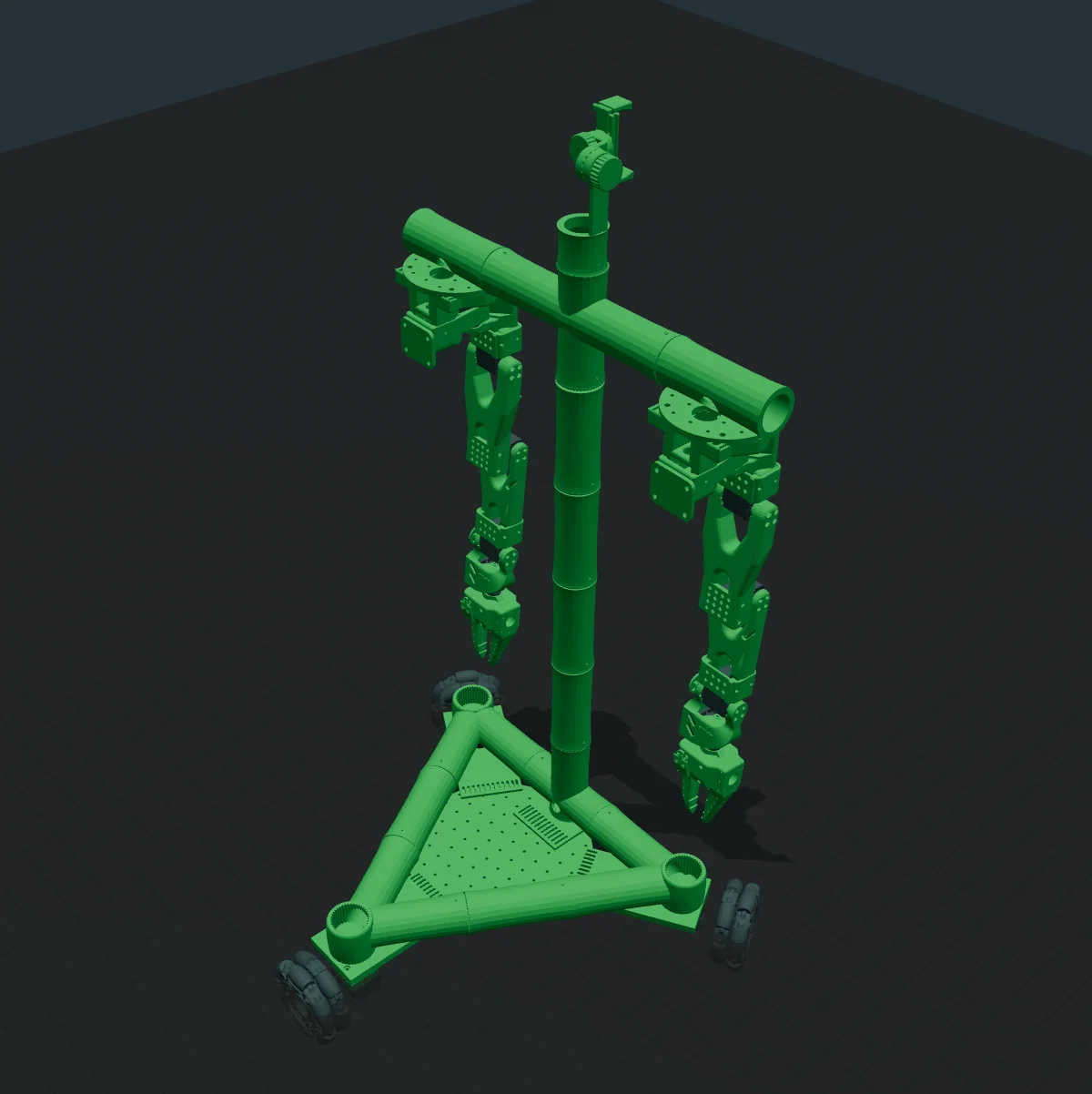
Bambot is the cheapest credible dual-arm humanoid in the DIY catalog: ~$300 in parts, two SO-ARM-derived arms mounted on a torso, sitting atop a two-wheeled self-balancing drive base. Built by Tim Qian and documented at bambot.org, with an interactive 3D URDF viewer you can drive from a browser before building anything.
What you're getting
- Two arms — SO-ARM101 derivative with the v2 bases, matched follower and leader arms for teleop
- Humanoid torso — prints as a small number of large parts (
Bambot_Body,Bambot_v0_base) - Two-wheel self-balancing base — balance-bot style, dramatic and compact
- STS3215 / Feetech bus — same ecosystem as SO-ARM101 so servos are interchangeable
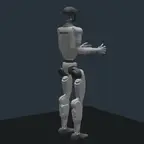
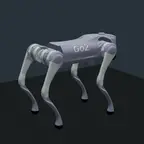
- Web-based viewer — bambot.org renders the exact URDF directly in the browser, with URDFs for Unitree G1, Unitree Go2, and SO-ARM for comparison
Why it's interesting
The price/complexity curve on humanoids is steep. Bambot deliberately pushes the low-end corner of that plot — it isn't going to out-dance a Unitree H1, but it's a humanoid you can actually order and build this weekend. That makes it one of the best entry points for students, makers, and researchers who want to touch the full humanoid control stack (balance + arm IK + teleop + learning) without a five-figure robot.
What you can do with it
- Balance + drive demos — segway-style base gives you a dramatic "robot standing up and moving" on a budget
- Teleop — two follower arms paired with two leader arms = the cheapest bilateral humanoid teleop rig
- Imitation learning — standard LeRobot pipeline; dataset the arms+base+body+head all together
- Browser-native demos — the bambot.org URDF viewer means you can show off the robot's kinematics to someone who doesn't have the hardware yet
Printed parts (this program)
Base:
Bambot_v0_base— main base plate with motor cutoutsBambot_Body— humanoid torso shellBambotWheel— printed wheel (pair with foam tire or TPU over-mold)Base_Motor— drive motor bracket
SO-ARM101 arms (per arm):
base_so101_v2— arm baseupper_arm_so101_v1,under_arm_so101_v1— linksrotation_pitch_so101_v1— shoulderwrist_roll_pitch_so101_v2,wrist_roll_follower_so101_v1— wristmoving_jaw_so101_v1— gripper jawmotor_holder_so101_base_v1— servo mount
The full repo has ~46 STLs across the Bambot torso, arms, and base, plus reference URDFs for Unitree G1/Go2 you can compare against in the viewer.
Attribution & license
- Designer: Tim Qian (timqian)
- Upstream: https://github.com/timqian/bambot
- Web viewer: https://bambot.org
- License: Apache 2.0
- Built on: SO-ARM101
Links
- Upstream repo: https://github.com/timqian/bambot
- Interactive viewer: https://bambot.org
- Demo thread: https://x.com/Tim_Qian/status/1901952877243122014
- Discord: https://discord.gg/Fq2gvSMyRJ
Build Guide
Hardware build documentation and assembly files: github.com/timqian/bambot/tree/main/hardware
🖨 Print Files (32)
Bambot_v0_base.stl
Bambot_Body.stl
BambotWheel.stl
Base_Motor.stl
base_so101_v2.stl
upper_arm_so101_v1.stl
Required Hardware
| Qty | Part | Notes |
|---|---|---|
| 15 | STS3215 Servo (12V) | Main actuators — 12V version, 30kg.cm stall torque |
| 1 | Waveshare Motor Control Board | Serial bus servo controller |
| 1 | Raspberry Pi Zero 2W | Controller |
| 1 | 5V 2A power supply | Electronics power |
| 1 | 3D printed frame | See STL files |
| 1 | Set of M3 screws and nuts | Assembly |